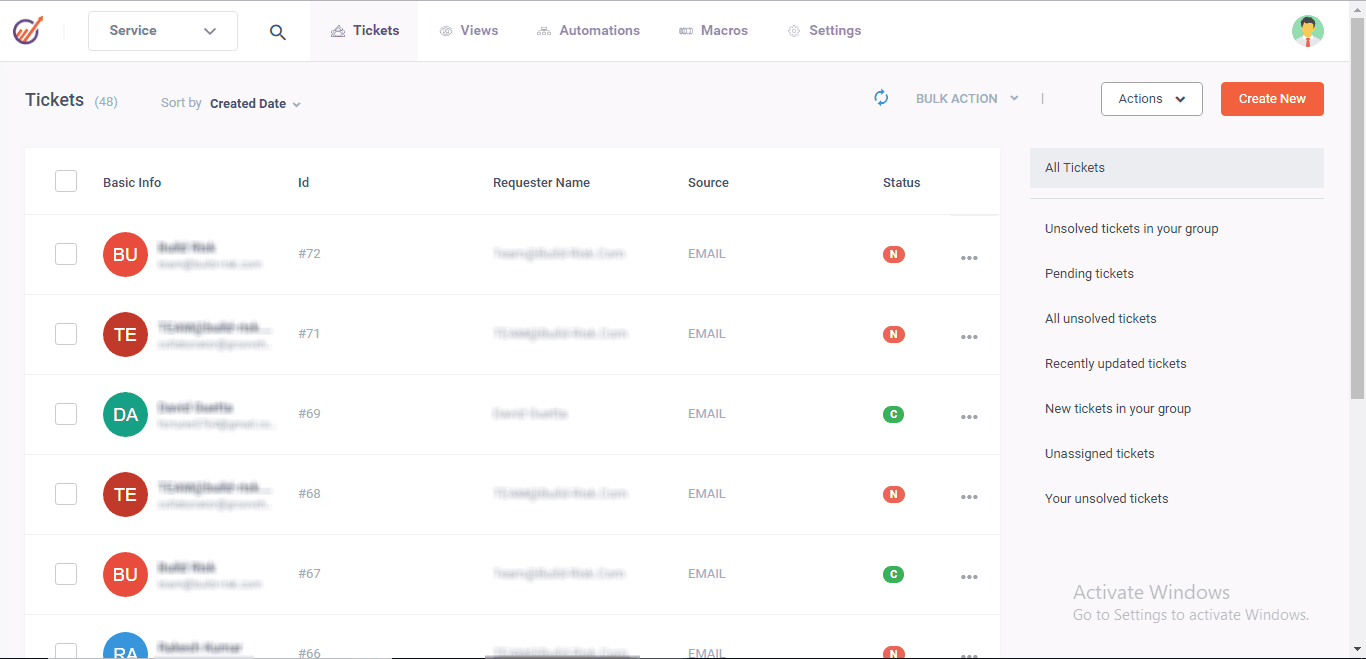


RoadRunner Email may be old-school, but it’s still surprisingly fast, reliable, and very much alive under a new name: Spectrum Webmail. For long‑time users with an @rr.com or @roadrunner.com address, it remains a solid, high‑speed online email option if you know how to set it up, secure it, and avoid common pitfalls.
What RoadRunner Email Is Today
RoadRunner Email started as the email service bundled with Time Warner Cable internet, giving customers simple, fast webmail and classic @rr.com or @roadrunner.com addresses. After Charter acquired Time Warner Cable, the service was rebranded and rolled into Spectrum Webmail, but the underlying email platform and old addresses still work for active Spectrum customers.
In practical terms, that means:
- Your old RoadRunner ID continues to function, but you now access it through Spectrum’s webmail portal, not a separate RoadRunner site.
- New accounts are created under the Spectrum branding, while legacy users keep their existing RoadRunner-style addresses for continuity.
Why It Feels “High Speed Online
RoadRunner was always about quick, no‑nonsense email—and that focus still shows in how Spectrum handles those legacy accounts. Messages sync quickly via IMAP, the webmail loads efficiently in modern browsers, and server performance is generally stable enough that outages are rare for most users.
This “high speed” feel comes from:
- Server-side storage and IMAP support, which deliver new messages to all devices almost instantly.
- A relatively clean, utilitarian webmail interface that prioritises access over flashy features, so pages load faster even on modest connections.
Key Features That Still Matter
Although RoadRunner Email isn’t loaded with the latest AI tricks, it still gives everyday users what they actually need to communicate efficiently.
Core benefits include:
- Reliable delivery and uptime: The platform has a reputation for being stable enough for daily personal use, with relatively few service-wide disruptions reported by long-time users.
- Robust spam and virus filtering: Spectrum applies multiple layers of filtering at the server level to keep malicious or unwanted messages out of your inbox.
- Decent storage for typical users: While storage is not as massive as some big free providers, it’s generally enough for regular mail, newsletters, and attachments when managed sensibly.
- Browser-based access anywhere: Login from any device via Spectrum’s webmail portal, without needing to tweak settings every time.
- Client compatibility (IMAP/POP/SMTP): Works smoothly with Outlook, Apple Mail, Thunderbird, and mobile apps using standard modern protocols.
RoadRunner vs Other Email Services
Here’s how legacy RoadRunner (now Spectrum Webmail) typically stacks up against a big free provider like Gmail for everyday users.
| Aspect | RoadRunner / Spectrum Email | Typical Free Provider (e.g., Gmail) |
|---|---|---|
| Branding & domain | Legacy @rr.com / @roadrunner.com, managed under Spectrum Webmail. | Modern branded domains such as @gmail.com. |
| Performance | Stable servers, IMAP support, and quick syncing for most users. | Highly optimised global infrastructure, very fast in most regions. |
| Storage | Adequate but not huge; enough for light–moderate personal use. | Very large default quota suitable for heavy usage. |
| Spam & security | Strong spam/virus filtering plus HTTPS webmail and secure ports. | Advanced spam detection, phishing protection, and account security tools. |
| Advanced features | Basic filters and folders, limited automation or collaboration tools. | Integrated calendar, drive, chat, automation, third‑party integrations. |
| Availability | Restricted to Spectrum internet customers; legacy accounts only. | Open signup for almost anyone worldwide. |
How to Access RoadRunner Email in 2025
Even though the RoadRunner brand is largely retired, access is straightforward once you know where to go.
You can:
- Use webmail – Log in through Spectrum’s webmail portal with your existing RoadRunner credentials to read, send, and organise emails in your browser.
- Use an email app – Configure RoadRunner using IMAP (recommended) or POP3, along with the correct SMTP settings so your desktop or mobile client can sync mail smoothly.
Because the service is tied to your Spectrum account, losing your broadband subscription may eventually mean losing access to that legacy mailbox, so it’s wise to keep credentials updated and backed up.
Recommended RoadRunner Email Settings
Getting the settings right is the difference between a fast, seamless experience and endless error messages. IMAP is usually the best choice because it keeps your messages synced across all devices and on the server.
Also read: TechLoomz com: Tech Trends, AI Insights & Future Innovations
Typical server settings (check your own region)
- Incoming (IMAP)
- Server: mail.twc.com
- Port: 993
- Security: SSL/TLS
- Username: Full RoadRunner email address
- Password: Your email password
Incoming (POP3, if you prefer download-and-keep)
- Server: mail.twc.com
- Port: 995
- Security: SSL/TLS
- Username: Full RoadRunner email address
- Password: Your email password
Outgoing (SMTP)
- Server: mail.twc.com
- Port: 587
- Security: STARTTLS or TLS
- Username: Full RoadRunner email address
- Password: Your email password
Always match the username exactly to your full email address and enable authentication for outgoing mail to avoid “cannot send message” errors.
Setting Up RoadRunner on Popular Devices
A high‑speed email experience also depends on how cleanly it’s configured on your phone or computer. While screens differ slightly by brand, the process is essentially the same across all devices.
Typical steps:
- Open your email app’s “Add account” or “Email accounts” section.
- Choose “Other” or “Manual setup” instead of auto-detect, then select IMAP (or POP3 if you prefer).
- Enter your RoadRunner email address and password exactly as provided.
- Add the IMAP/POP and SMTP server details and ports listed above, ensuring SSL/TLS or STARTTLS is turned on.
- Save and let the app test the connection; if it fails, double‑check the port, spelling of the server, and security options.
- Once configured, your emails should sync quickly, with new messages appearing in seconds on most connections.
Common Problems and Quick Fixes
Even a fast service can feel slow or broken if something small is misconfigured. RoadRunner users frequently run into the same handful of issues, which are usually easy to fix.
Typical problems:
- Can’t send emails: Often caused by using the wrong SMTP port or forgetting to enable authentication; switching to port 587 with TLS and your full email as the username resolves this for many users.
- Can’t receive messages: Mis-typed IMAP/POP server or disabled SSL are common culprits; verify mail.twc.com with the correct secure port (993 for IMAP, 995 for POP).
- Password errors: May indicate an expired or changed Spectrum password; updating your main Spectrum login and re‑entering it in the client typically helps.
- Full mailbox warnings: Because storage is finite, periodically archiving old emails to local folders or another cloud service keeps performance snappy.
When in doubt, Spectrum’s support pages include troubleshooting checklists and updated server values, which can be critical if settings change regionally.
Is RoadRunner Email Ending?
There’s a lot of confusing chatter online about whether RoadRunner is “ending,” which understandably makes people nervous about losing long‑used addresses. The reality is more nuanced.
Current situation:
- The RoadRunner brand has been retired, and accounts have been folded into Spectrum Webmail.
- New accounts are no longer issued as RoadRunner, but existing @rr.com or @roadrunner.com mailboxes continue to function for active Spectrum customers.
- Some users report losing their email when they cancel Spectrum internet, which means relying on RoadRunner as your only critical email may be risky long‑term.
Because of this, many experts recommend gradually moving important logins and contacts to a more independent email address while still enjoying RoadRunner for day‑to‑day use.
Migrating RoadRunner to Other Email Services
If you love the speed and simplicity of RoadRunner but want more modern tools or independence from your ISP, migrating your mail is a smart strategy. Modern providers make it relatively painless to move everything over.
Common migration approaches:
- Import via IMAP: Many services (like Gmail or Outlook.com) can connect to RoadRunner via IMAP and copy all messages and folders directly to your new account.
- Forwarding and filters: You can set up rules in the new account to organise imported RoadRunner mail into custom folders as it arrives.
- Phased contact updates: Update your email address gradually on banking, subscriptions, and social accounts so you don’t miss critical notices when RoadRunner eventually changes, or your ISP plan does.
Doing this now, while RoadRunner is still fast and accessible, gives you breathing room instead of rushing after a sudden access change.
Security and Privacy Best Practices
High-speed email isn’t just about how fast messages arrive; it’s also about how safely they travel. RoadRunner accounts benefit from Spectrum’s security layers, but your habits matter just as much.
Good practices:
- Use secure ports only: Always choose SSL/TLS for IMAP/POP and STARTTLS/TLS for SMTP, with the ports listed earlier, to encrypt traffic between your device and the server.
- Avoid password reuse: Use a strong, unique password for your Spectrum/RoadRunner login and change it if there’s any sign of suspicious activity.
- Watch for phishing: Some users receive fake shutdown or verification emails; always confirm important notices by logging in directly to Spectrum’s official site, not via links in messages.
Following these basics keeps your high‑speed inbox from becoming a high‑risk target.
Who RoadRunner Email Is Best For
RoadRunner Email, as part of Spectrum Webmail, isn’t trying to compete with heavyweight collaboration suites—it’s designed to be a fast, simple inbox that rides alongside your internet connection. For the right user, that’s exactly what’s needed.
It is particularly well‑suited to:
- Long-time Time Warner Cable or Spectrum customers who want to keep using a familiar, established address without switching their daily habits.
- Home users who value reliability, quick access, and basic spam protection more than cutting-edge productivity extras.
- People who are willing to pair RoadRunner with another modern email account, using one for continuity and the other for advanced features and long-term independence.
- Handled this way, RoadRunner Email truly lives up to “High Speed Online”: a lean, dependable service that gets your mail where it needs to go, without getting in the way.
Conclusion
RoadRunner Email, now seamlessly integrated into Spectrum Webmail, delivers the high-speed online experience loyal users crave reliable syncing, robust security, and straightforward access via IMAP or webmail. Whether troubleshooting settings, migrating data, or enjoying its no-frills speed, it remains a dependable choice for Spectrum customers in 2025. Ready to unlock its full potential? Log in today, configure your devices with the right ports, and keep your inbox racing ahead. For long-term flexibility, pair it with a modern provider. Fast, simple email awaits dive in now!